In this tutorial, we will focus on how the EG8200 Mini CNC Gateway works with Mitsubishi CNC systems. We hope this proves helpful.
In the previous lesson, we covered how the EG8200 Mini CNC Gateway interfaces with Siemens CNC systems. This lesson will provide a detailed explanation for Mitsubishi CNC systems.
1. Gateway Mini CNC EG8200
Il Gateway Mini CNC EG8200 è un gateway di acquisizione dati progettato specificamente per le macchine utensili CNC, con solide capacità di raccolta dati e monitoraggio remoto. Questo dispositivo supporta diversi protocolli industriali, tra cui Modbus e MQTT, è compatibile con macchine utensili CNC di varie marche e consente agli utenti di gestire in remoto le proprie macchine utensili.
2. Siemens CNC VS. Mitsubishi CNC
Siemens CNC (Siemens SINUMERIK) originates from Germany and is the most widely used CNC system in Europe. It demonstrates significant advantages in high-end equipment applications such as five-axis machining, large gantry milling, and aerospace manufacturing.
Mitsubishi CNC (Computer Numerical Control), developed by Japan’s Mitsubishi Electric, is widely used on machine tools in Japan and China. Mitsubishi CNC excels in small-segment interpolation and high-speed, high-precision machining, making it particularly suitable for mold manufacturing and precision parts processing in the 3C industry.
3. How to Interface the EG8200Mini-CNC gateway with Mitsubishi CNC
Compatible CNC Models: M800/M80/M700V/M70V/E70/C70
1. Connessione hardware
The Mitsubishi CNC protocol utilizes Ethernet communication. Therefore, ensure the gateway’s LAN port IP and the CNC’s IP are within the same subnet (Note: In special cases, routing configuration may be required if they are not on the same subnet; consult technical support for details). IP addresses are assigned as follows in this example:
|
Gateway EG8200Mini-CNC |
Mitsubishi CNC |
|
| Indirizzo IP | 172.16.21.2 | 172.16.21.102 |
2. Parametri di comunicazione CNC
Provided by the CNC engineer:
The CNC network port parameters are:
IP: 172.16.21.102 Port: 683
3. Gateway Settings
3.1. CNC Connection Settings
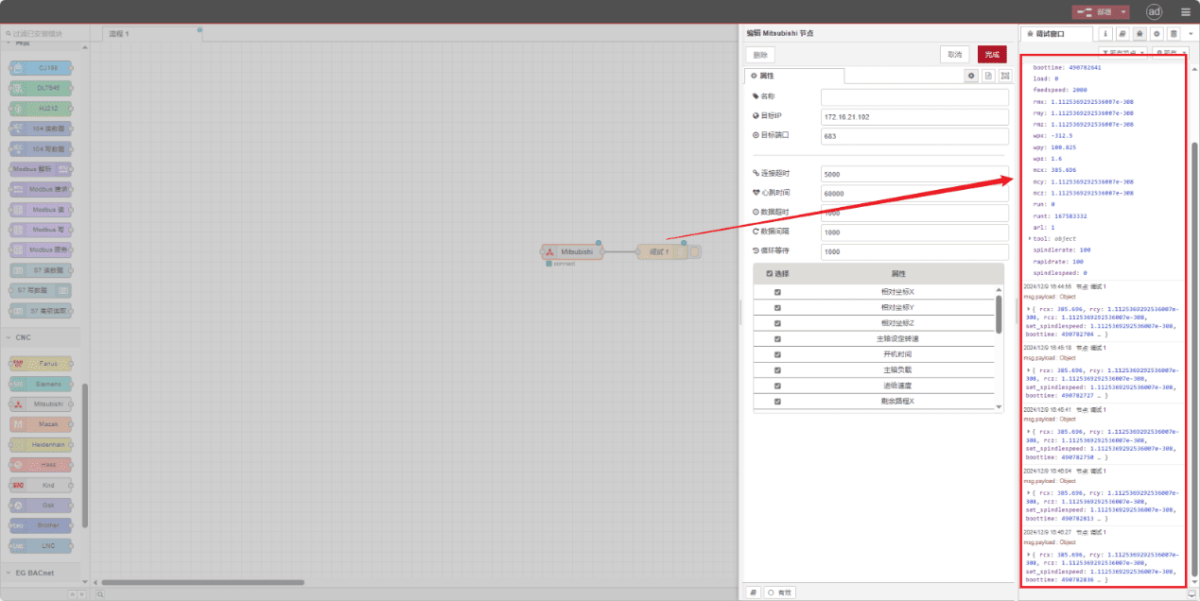
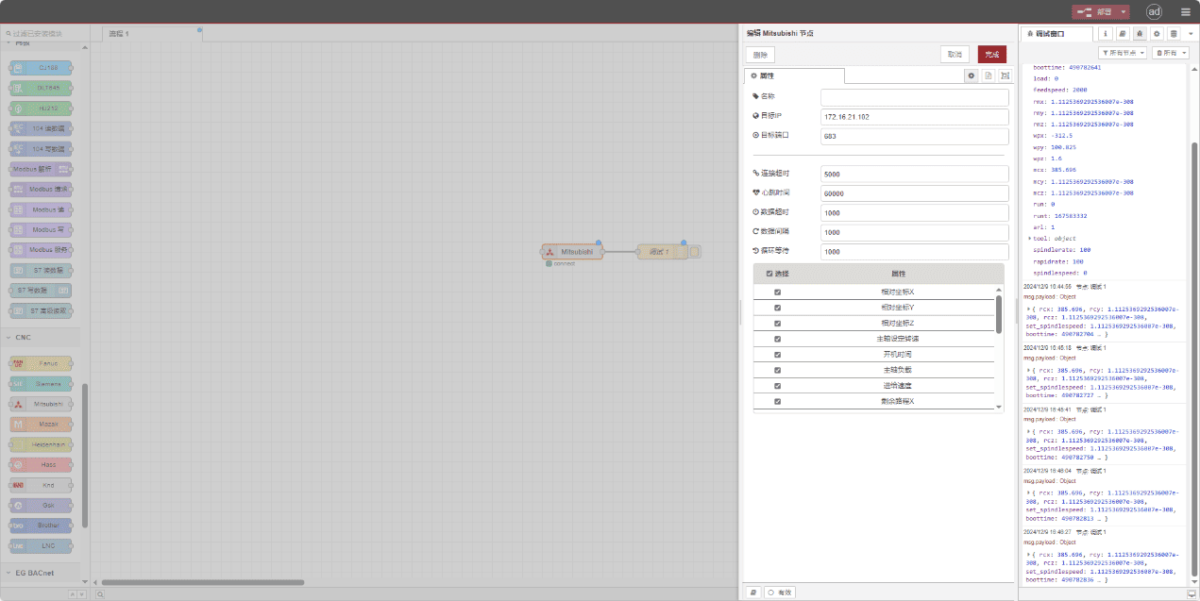
Drag a Mitsubishi node from the left CNC panel, double-click to open the settings page, and configure as follows based on the PLC parameters:
Indirizzo: 172.16.21.102
Porto: 683
Timeout della connessione: 5000
Intervallo del battito cardiaco: 60000
Timeout dati: 2000
Intervallo di dati: 1000 (Read Cycle)
Cycle Wait: 1000 (Data Point Read Interval)
3.2. Data Point Settings
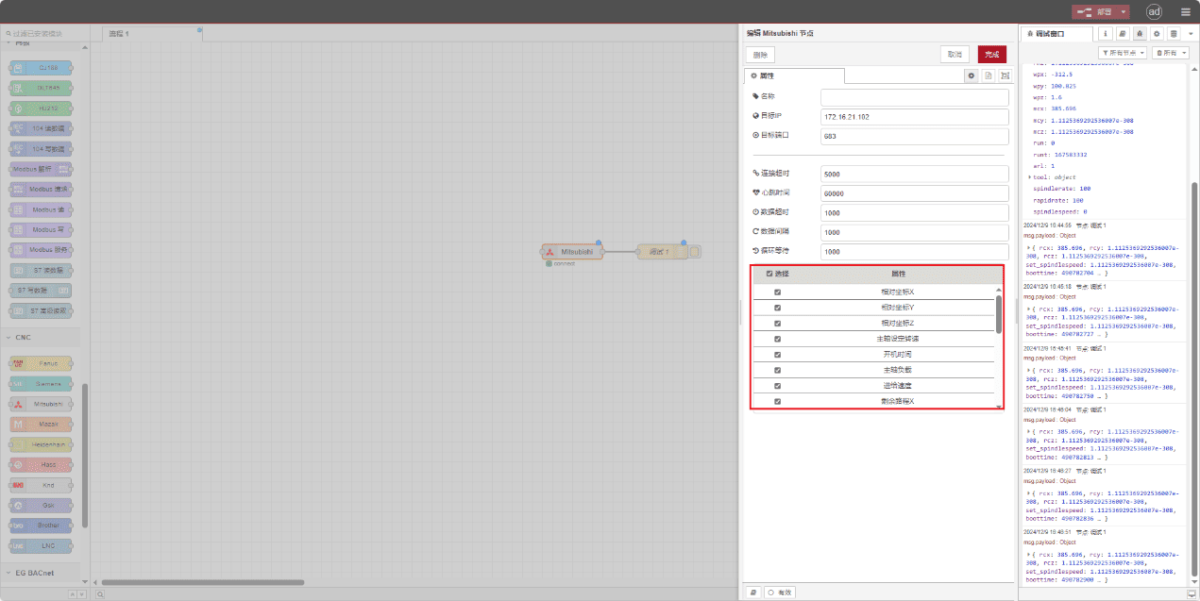
Check the required data points:
3.3. Test
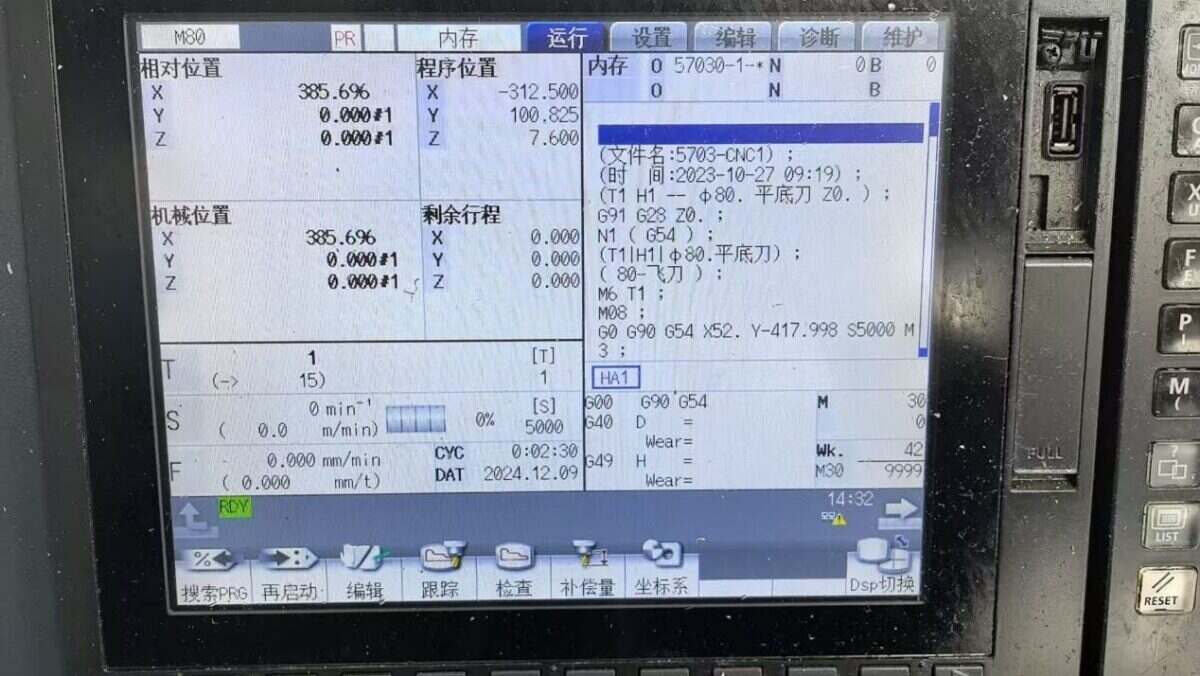
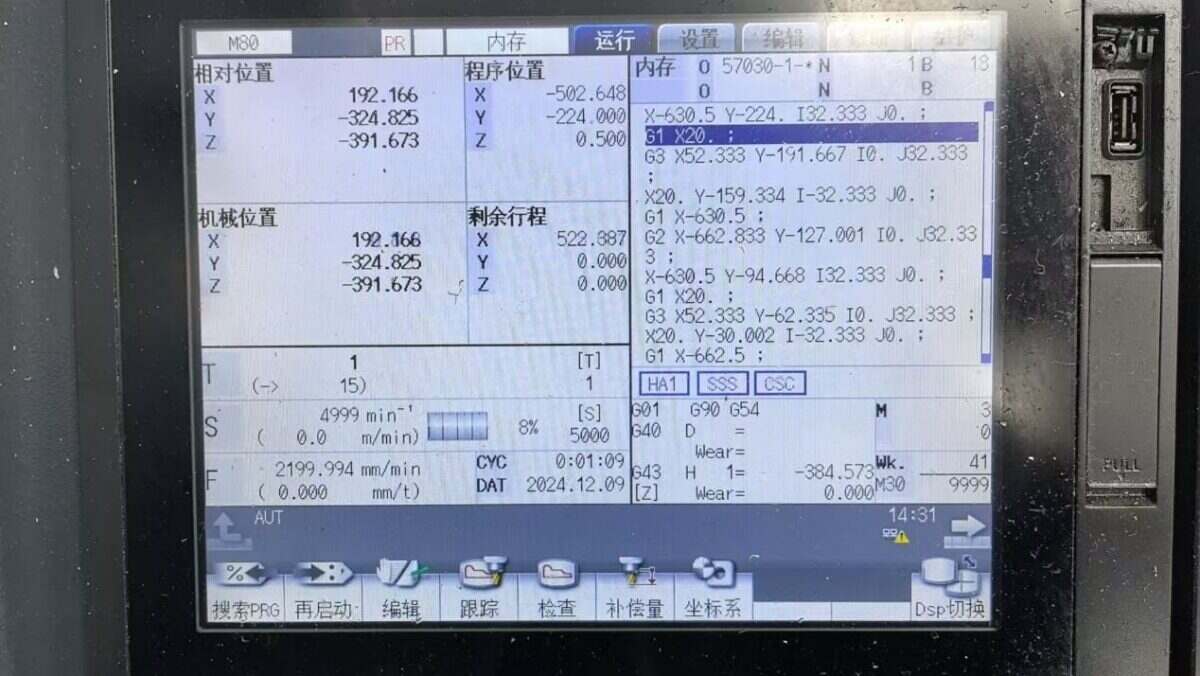
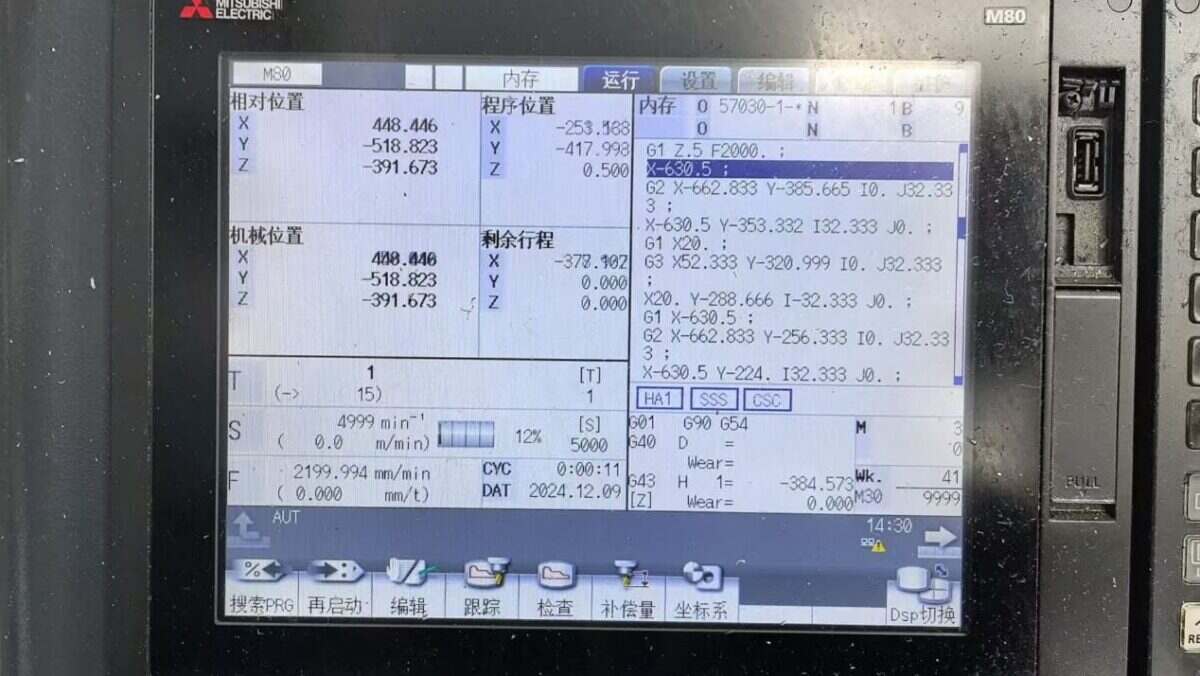
Fare clic su Deploy e osservare la stampa di un punto dati ogni pochi secondi. Verificare i punti dati ricevuti per confermare il successo della comunicazione!
Per la tabella di riferimento dei punti dati, fare riferimento a:
Questa è una scheda di contenuto Yueque. Fare clic sul link per visualizzarla: https://iotrouter.yuque.com/zn3vdn/eg8000/ebxwp1ndwhn988w3