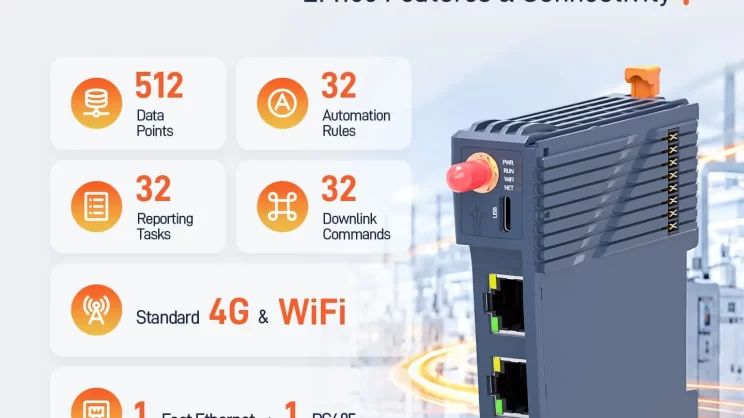
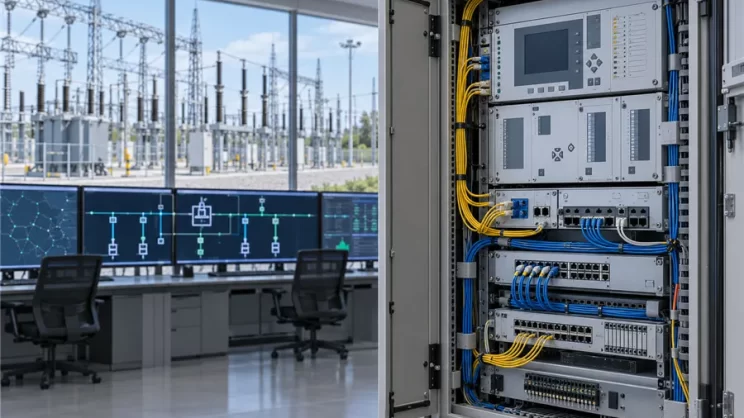
To further improve remote operation and maintenance efficiency, the IOTClient Web Remote Platform will officially upgrade to a Web-based version on 1st, June 2026, replacing the existing desktop client software.
After this upgrade, all operations—including remote device configuration, programming, HMI/SCADA configuration, and NAT traversal—can be completed directly in a web browser without installing any software.
Upgrade Overview
New platform URL:
https://bridge.iotrouter.com
IOTClient Web Remote Platform Deployment Schedule
- Time: 1st June 2026,20:00 – 22:00 (GMT+8)
- Impact: Temporary interruption of remote services during deployment
- Recovery: Services will automatically resume after deployment
We recommend avoiding critical operations during this maintenance window.
What’s New in the Web Version
1. No Installation Required
Access directly via browser. Compatible with Windows, macOS, and Linux.
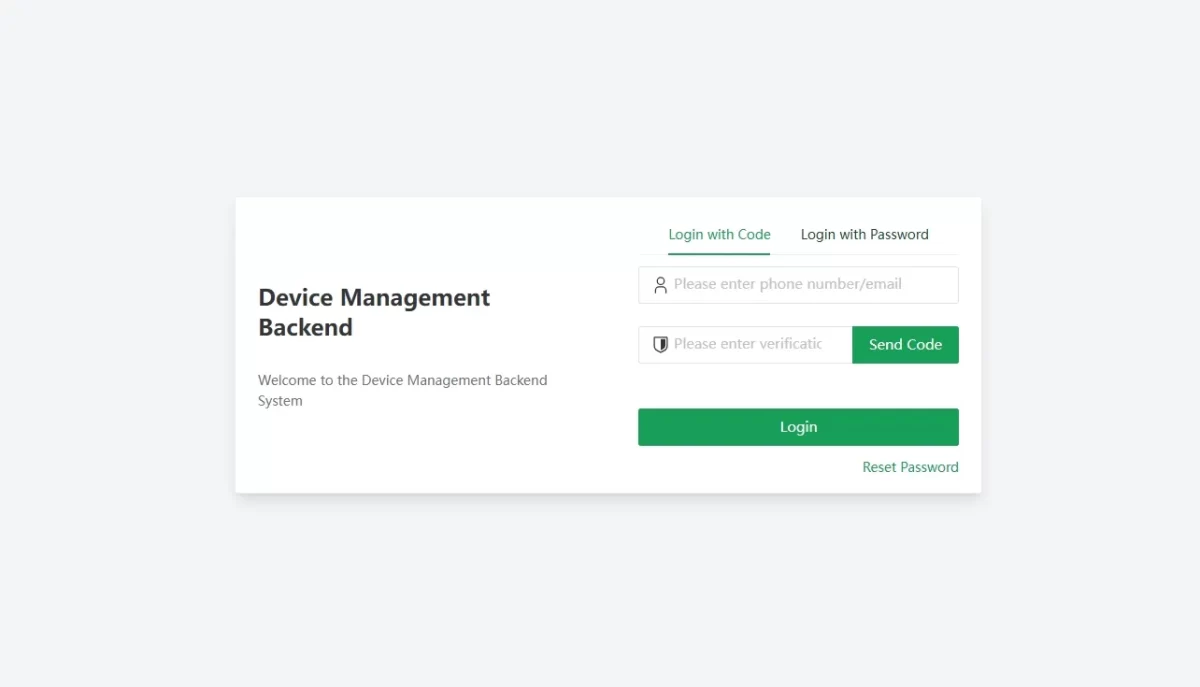
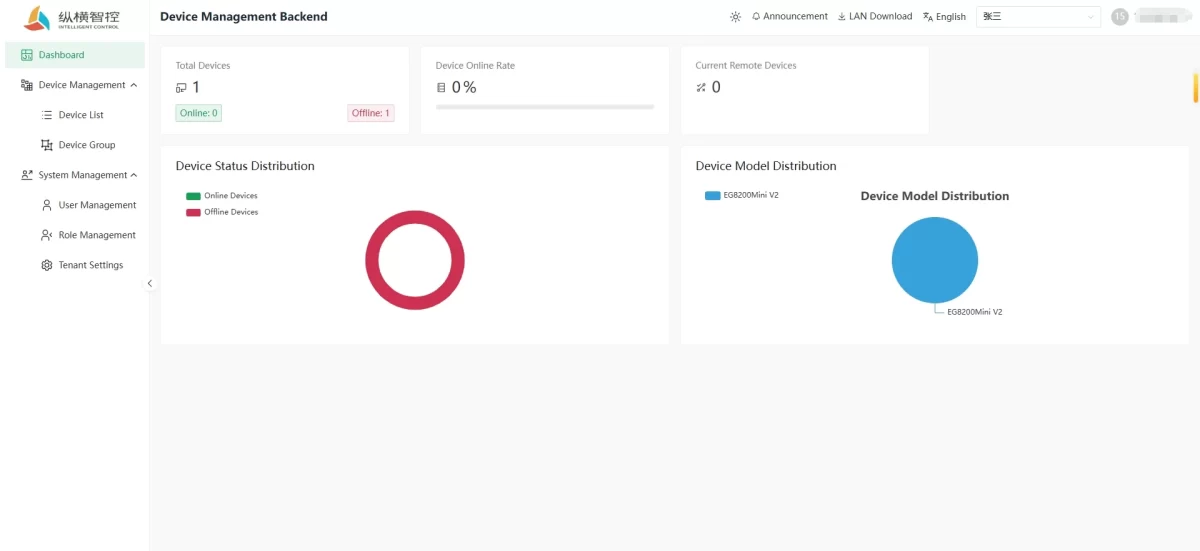
2. Unified Dashboard Overview
View device status, online rate, remote connectivity, and model distribution in one place.
3. All-in-One Remote Operations
Integrated access to:
- Remote configuration
- Remote programming
- Remote HMI/SCADA setup
- NAT traversal / remote access
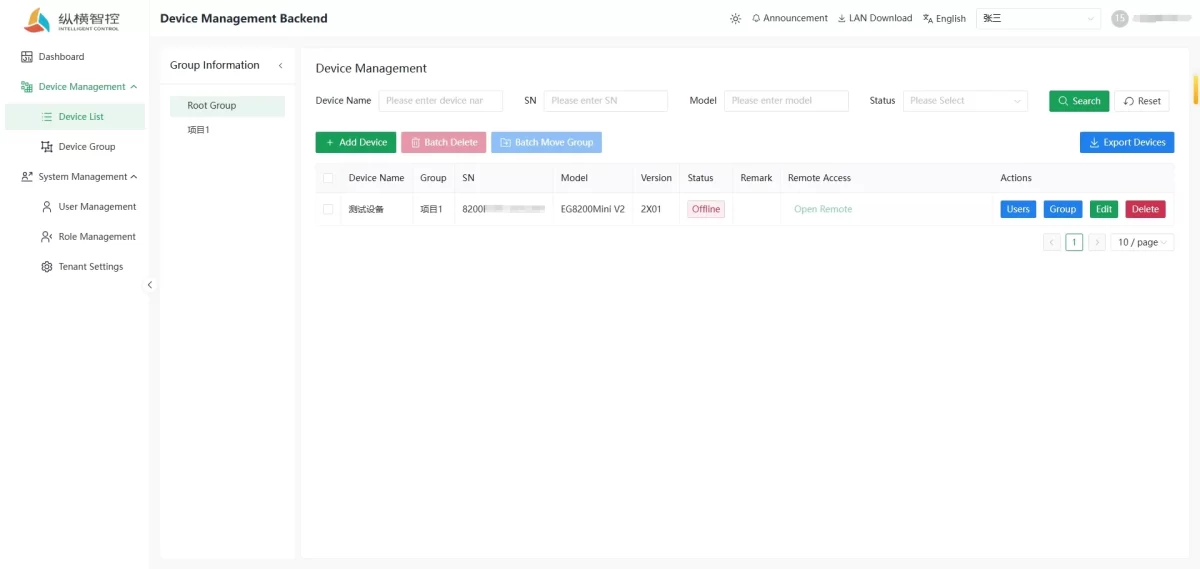
4. Multi-User Access Control
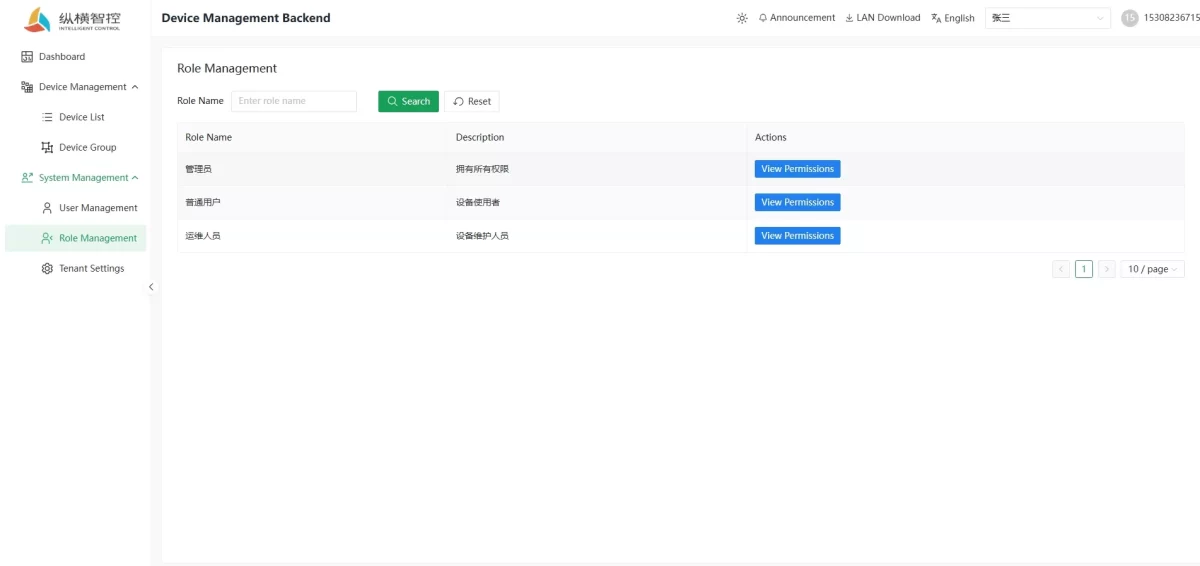
Provides three-level role-based access control covering administrators, maintenance engineers, and standard users, with flexible device permission assignment to improve security and team collaboration efficiency.
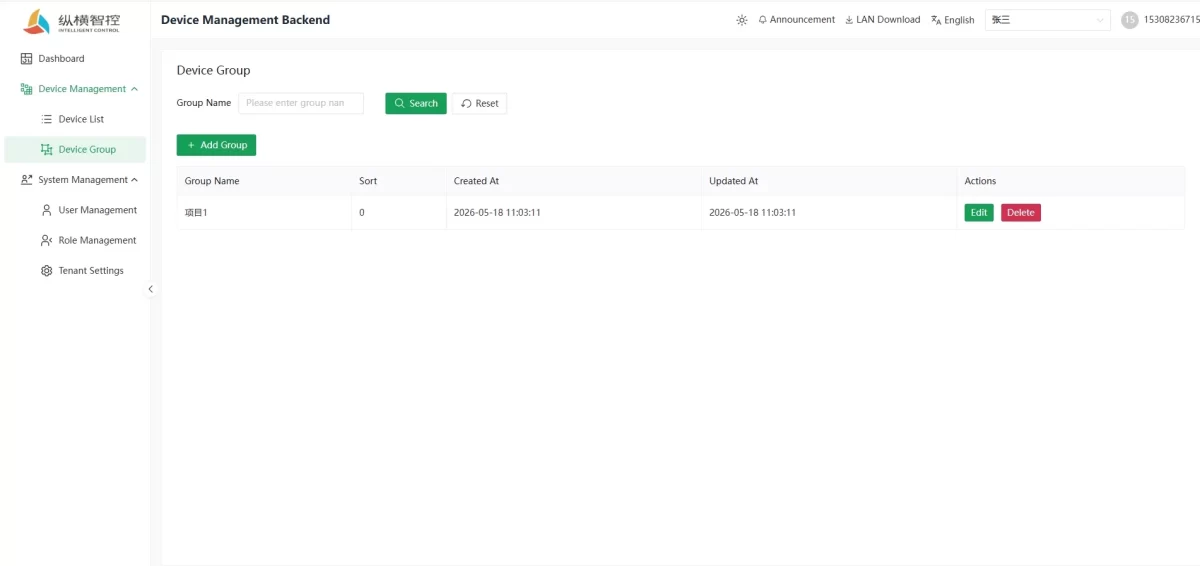
5. Device Group Management
Organize devices by project, site, or business unit. Enable batch operations and structured management.
How to Switch to the New Platform
- Visit https://bridge.iotrouter.com
- Log in using your existing account credentials.
- All devices, groups, and account data will be automatically synchronized.
No re-registration is required.
Frequently Asked Questions
Q: Will the old desktop client still work?
After the Web version goes live on June 1, the old desktop software will be discontinued. Please use the browser to access the new platform instead.
Q: Do I need to re-register an account?
No. You can log in directly with your existing account and password. All devices and data will be automatically synchronized.
Q: What should I do if remote functions are interrupted during deployment?
The interruption window is from 20:00 to 22:00 on the night of June 1. It is recommended to avoid performing critical remote operations during this period.
Q: Who should I contact if I encounter issues?
Please get in touch with your dedicated account manager, and we will respond as soon as possible.